
Before you begin
- Install SubtitleVideo from the App Store on iOS 18 or later.
- Prepare a video you are entitled to access. Start with a short clip.
- In Settings, choose its spoken language and your target translation language.
- Grant the necessary permissions and prepare the requested recognition models or language packs.
Check your exported subtitles
Unsure about timing syntax, cue numbers or encoding? Use the free SRT checker and sample files to review basic structure, then check the wording and sync against your video. Files are read only in your browser.
01 / ANIME
Follow the dialogue as you watch
Open your anime episode with original subtitles and translation during playback. No need to generate the entire episode's subtitles first.
Read the guide 02 / MOVIESGet the whole movie's subtitles ready
Quickly create separate original and translated SRT files for the whole movie. Keep them for later viewing in a player that supports SRT.
Read the guide 03 / YOUR PERSONAL NAS LIBRARYGive your own collection subtitles
Open anime and movies from your NAS over SMB. Generate complete subtitles on-device and save them back to the video folder with write permission.
Read the guideA look at the interface
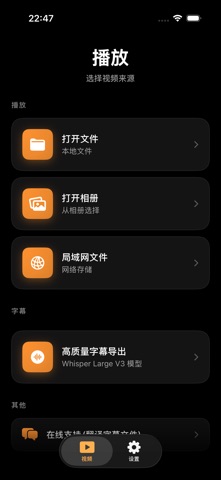
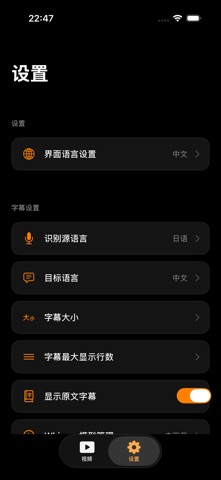
Screenshots published in the App Store. Labels may vary with the OS and app version.